The workflow
What to do, in order
- 1
Add your lecture
Upload a PDF or PowerPoint, or paste the lecture text.
- 2
Choose what to make
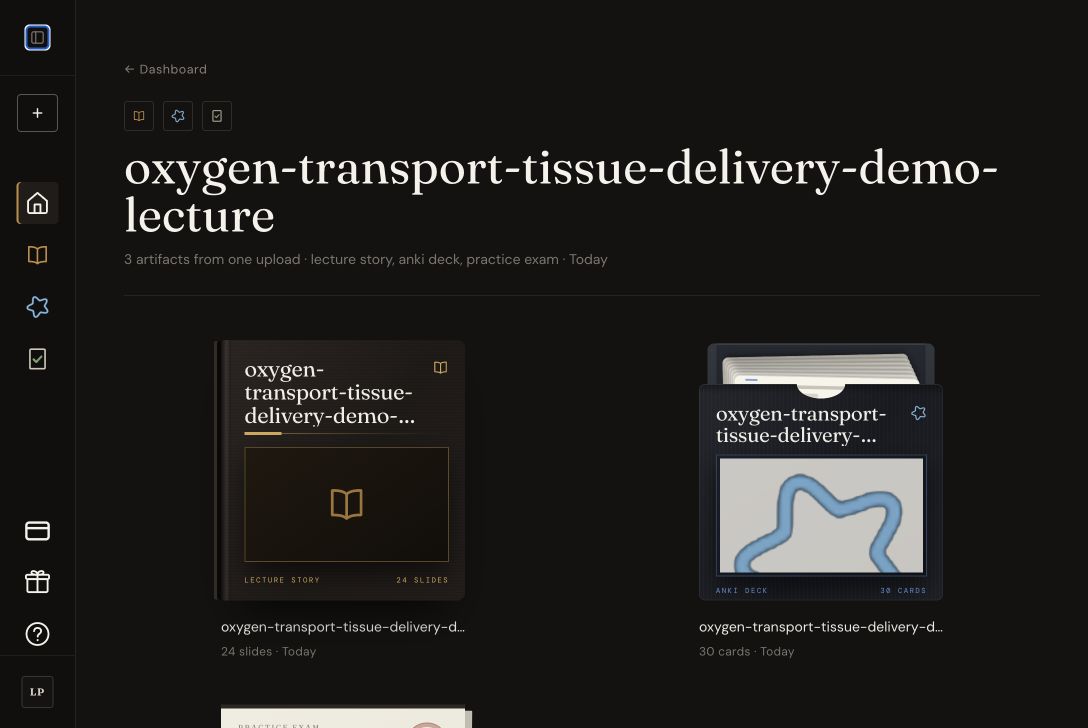
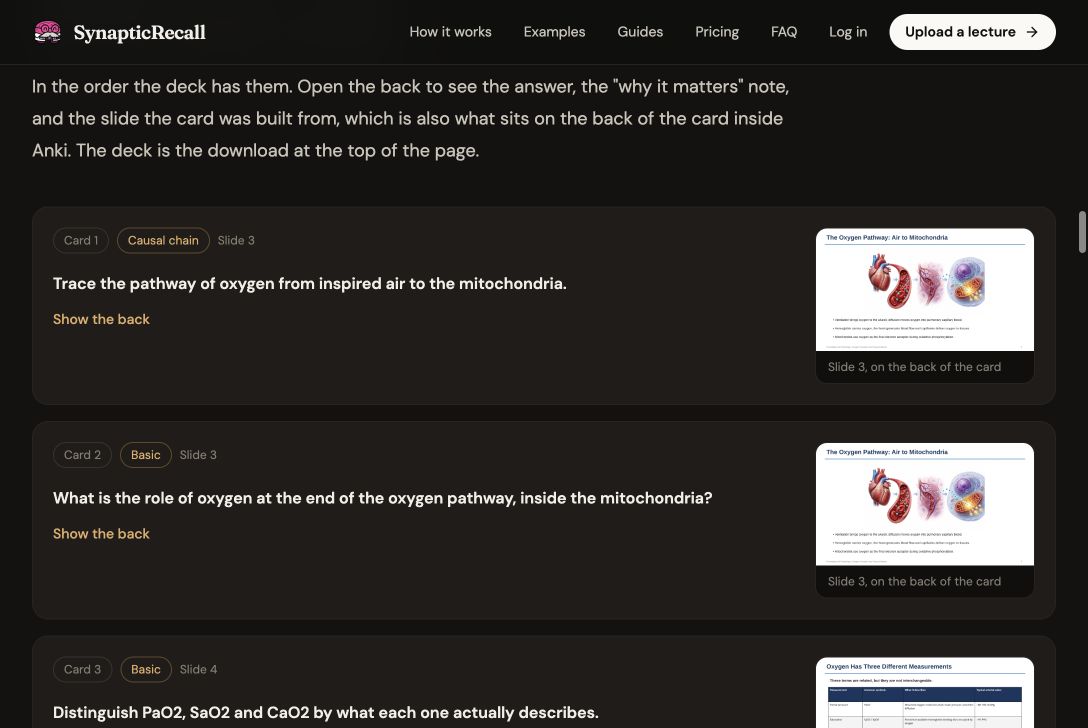
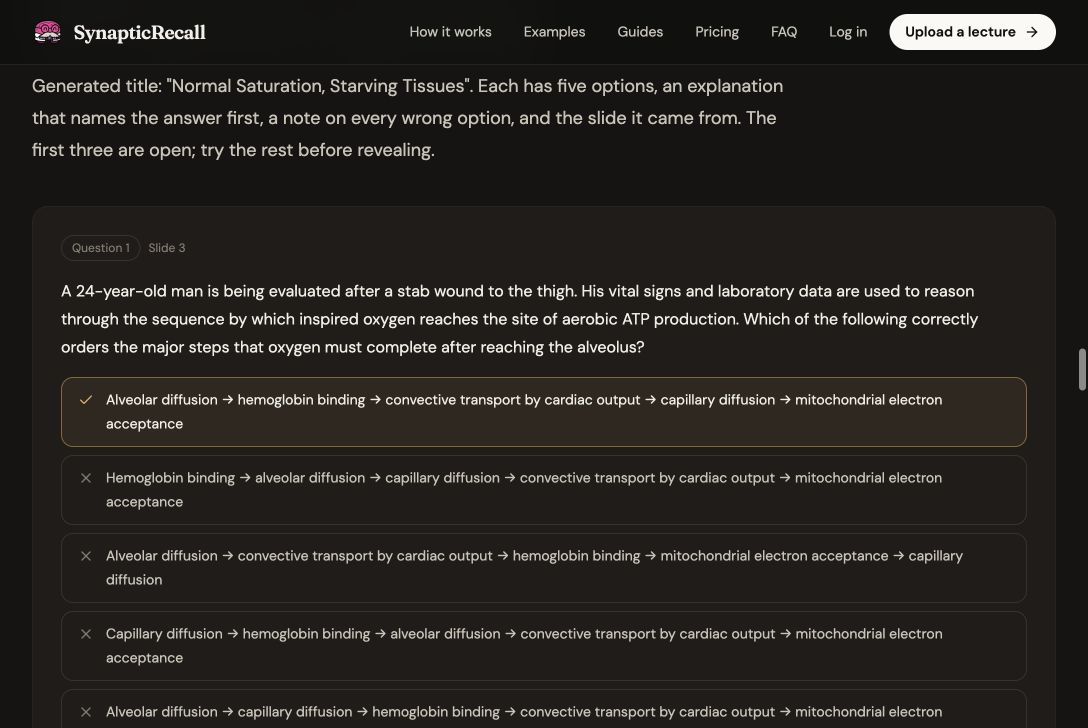
Select a Lecture Story, Anki deck, practice exam, or all three.
Story Anki Exam - 3
Check the result
Open each output and verify the important details against your slides.
- 4
Study your way
Read the Story, import the .apkg deck, or take the practice exam.
 Anki
Anki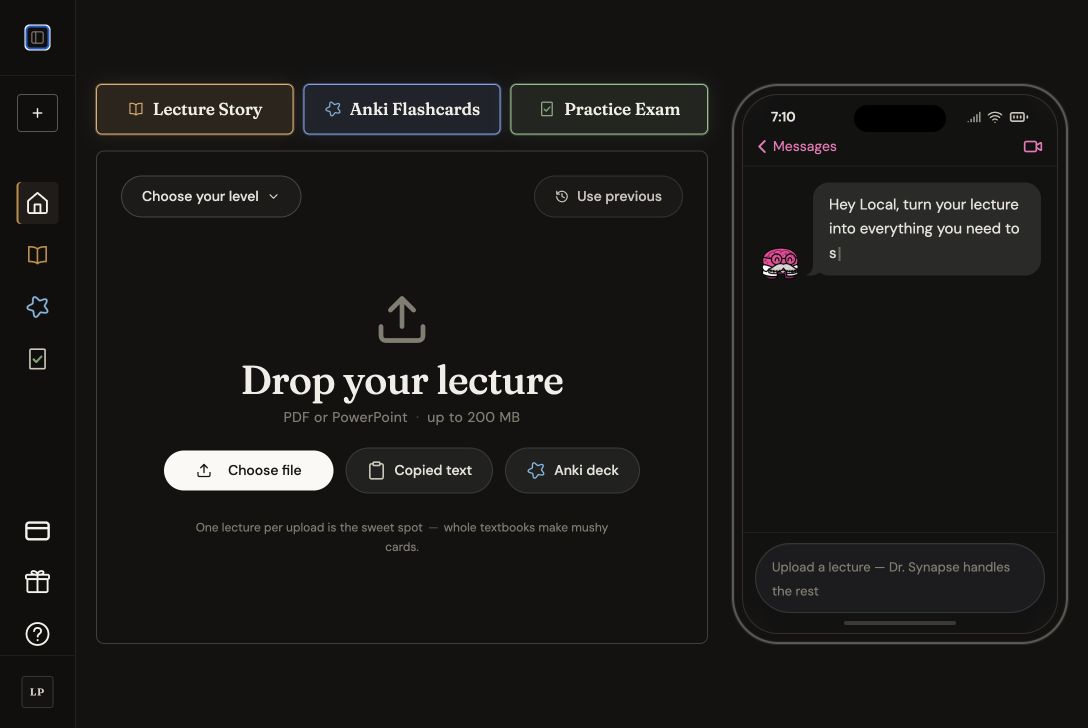
Guides and answers
Search by file type, study problem, or tool.
25 guides
Understand the product
See the workflow and inspect the output before you upload anything.
Make study materials
Choose the guide that matches your lecture file or the output you want.
Fix a study problem
Start with what is going wrong and use the guide built for that problem.
- Too many lectures before the examTriage a crowded exam week and spend your remaining time on the lectures that matter most.
- Making Anki cards takes too longStop spending the whole evening building a deck and get to your first review sooner.
- Study from lecture slidesBuild your review around the slides your professor actually teaches.
- Use active recallUse Stories, cards, and questions as one practical active-recall loop.
- Build a study routineUnderstand the lecture, test yourself, then review what you missed.
Compare study tools
Choose the right tool for your course, even when that tool is not SynapticRecall.
- SynapticRecall or AnKing?Use AnKing for shared board content. Use your slides when the professor writes the exam.
- Anki or Quizlet?Compare setup, spaced repetition, and what each app feels like during exam week.
- AnKing vs in-house lecturesDecide when a premade board deck is enough and when your course needs its own cards.
- AI tools for medical studentsCompare AI study tools by the job they do, the sources they use, and what still needs checking.
Use a study guide
Practical workflows for heavy lectures, card volume, and clinical weeks.
- How many Anki cards per lectureSet a card budget you can actually review, then cut the facts that do not need their own card.
- Checking AI-generated Anki cardsCheck a generated deck for wrong facts, missing objectives, and cards that are too broad.
- Studying 100-slide med-surg chaptersSort a heavy med-surg unit into priorities, interventions, medications, and labs before the exam.
- PA school lecture workflowPlan one 100-slide PA school lecture from class through cards, questions, and review.
- Studying on clinical rotationsUse short gaps on rotations without letting lecture review replace your shelf question bank.
- Spaced repetition for medical studentsUnderstand when reviews return and keep the daily queue from taking over your week.
Get help
Contact us or read how your account and lecture files are handled.
- Why SynapticRecall existsRead why a medical student built it and what the product is designed to do.
- Contact supportReport a bug, ask about a refund, or check whether your file will work.
- PrivacySee what happens to uploaded lectures, account data, and generated study materials.
- TermsRead the rules for using the service, subscriptions, refunds, and generated content.